Help
Add your name and profile
Set the name, photo and time zone that participants and your team see on invitations, messages and sessions.
Updated 1 November 20261 min readAI-assisted draft, reviewed by Jonah Cacioppe
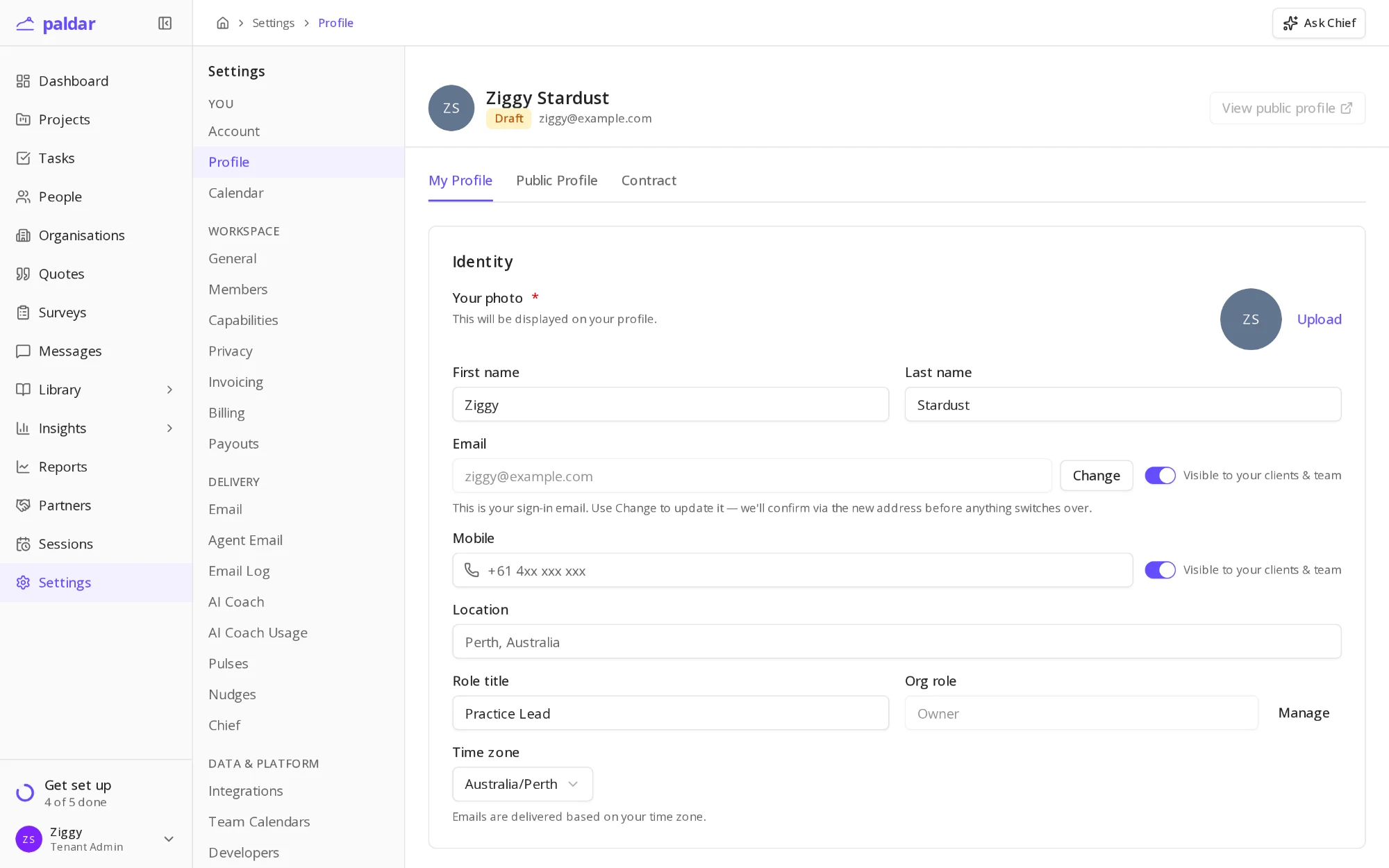
Your name appears on every invitation, message and session you send from Paldar. If you signed up with only an email address, Paldar shows a name built from it, and participants may not recognise who is writing. This short step fixes that.
Before you start
- The name you want people to see.
- A photo, if you would like one on your profile.
- Your time zone, so emails and sessions arrive at sensible local times.
Set your name
- Open Settings and choose Profile.
- Under Identity, enter your First name and Last name.
- Choose Upload beside Your photo to add a picture.
- Check your Time zone.
- Your changes save as you go.
The setup guide ticks this step once your name no longer looks like your email address.
Choose what your clients see
- Use the switches beside Email and Mobile to choose whether clients and your team can see them.
- Role title and Location appear on your profile.
- Public Profile holds what appears if you list your practice on the Atlas.
Change your sign-in email
- Choose Change beside your email.
- Enter the new address.
- Confirm from the email Paldar sends to the new address.
Your sign-in email changes only after you confirm, so a typing mistake never locks you out.
One profile for every workspace
- Your name, photo and time zone belong to you, not to a workspace.
- If you join another team on Paldar, they see the same profile.
- Change it once here and every workspace you belong to shows the update.
What happens next
- Invitations you send from now on carry your name, see Invite your team.
- Participants see your name and photo on their sessions.
That is the last optional step in the setup guide.
AI-assisted draft, reviewed by Jonah Cacioppe.
Related reading
All help articles →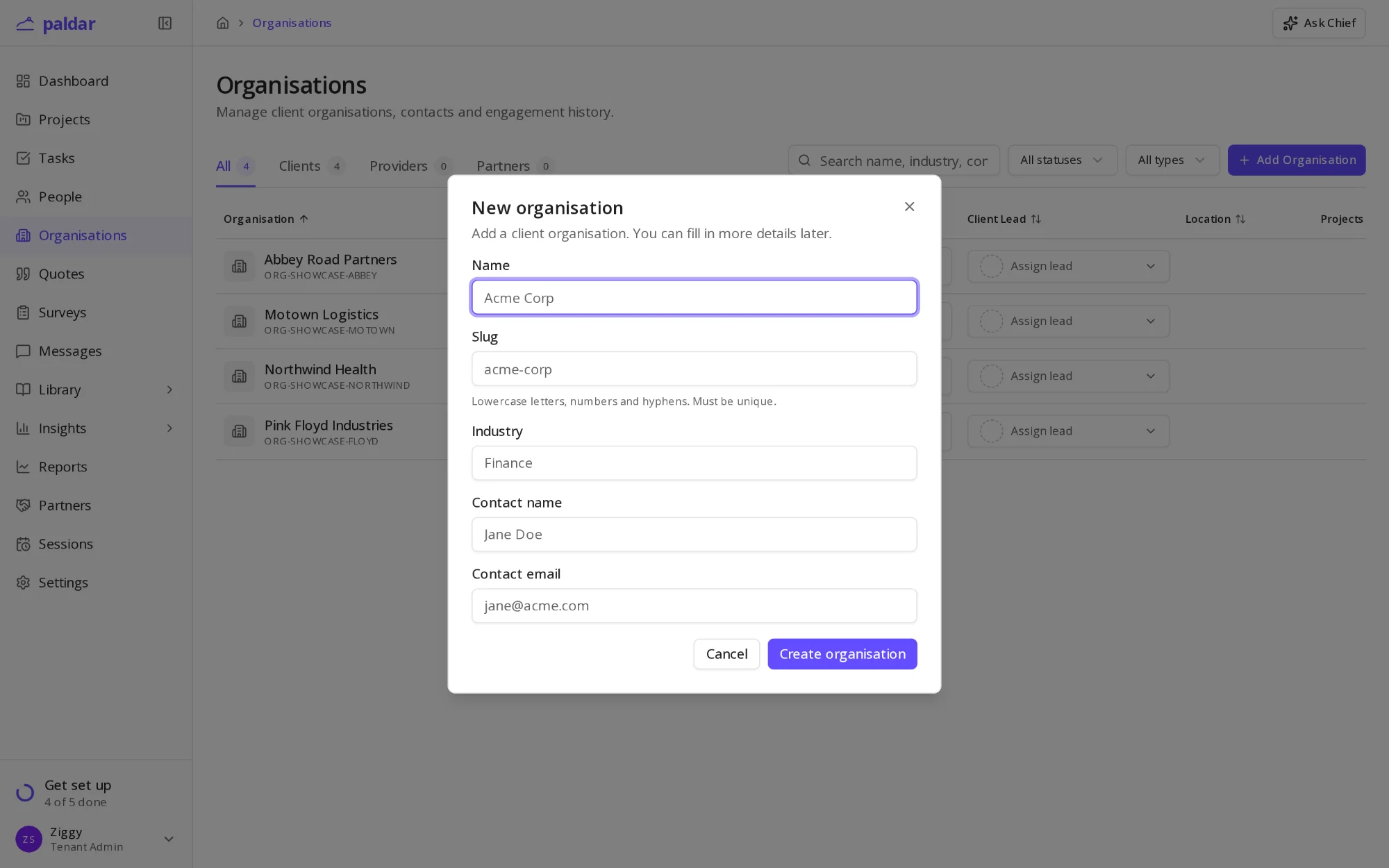
1 min readAdd a client organisationRecord the organisations you deliver programs for, so people, projects and quotes all sit under the right client.
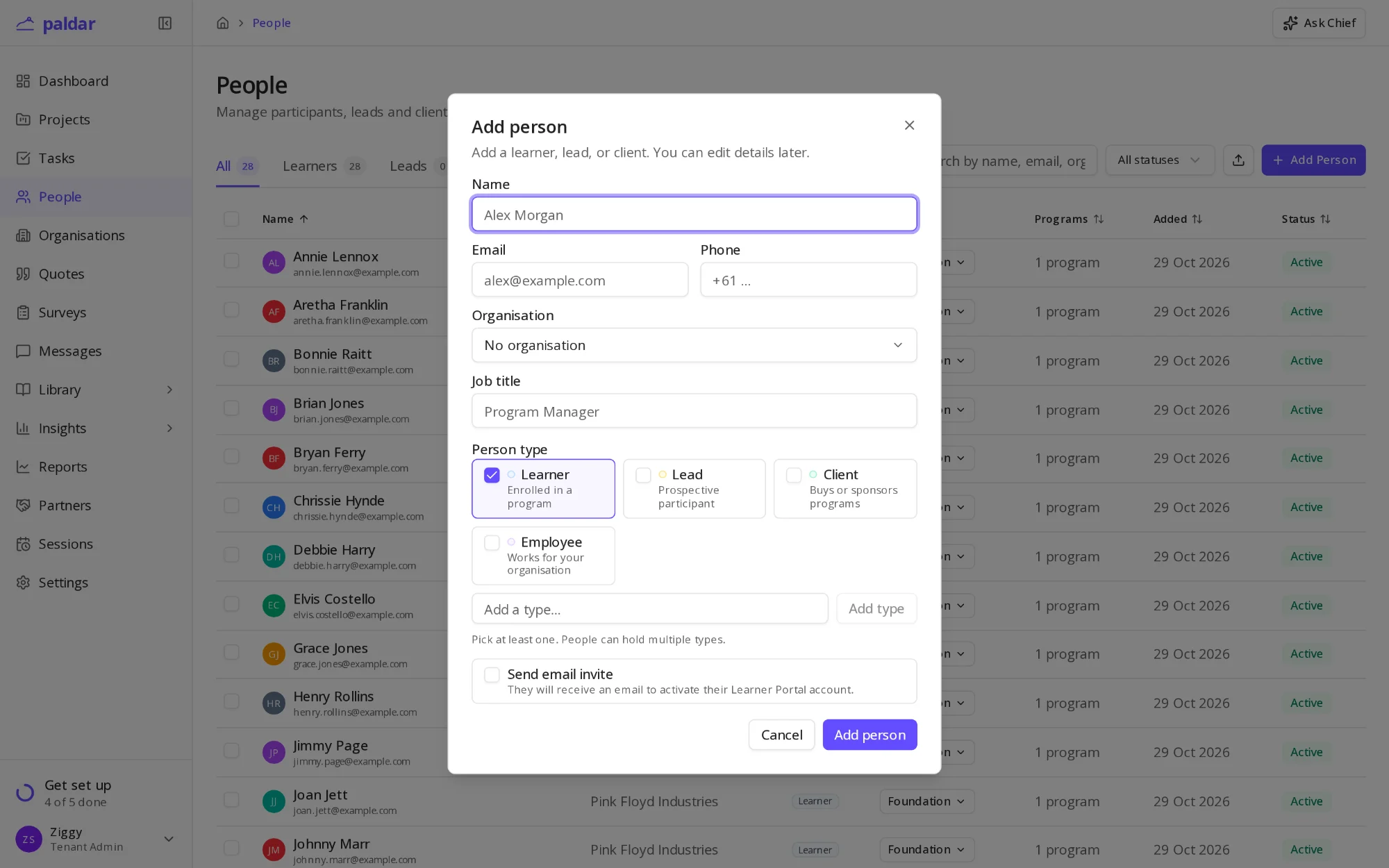
2 min readAdd your participantsAdd the people your programs are for, one at a time or from a spreadsheet, and choose when they hear from Paldar.
1 min readBuild your session librarySave the workshops, coaching sessions and lessons you run often as reusable library items, then drop them into any program.