Help
Add a client organisation
Record the organisations you deliver programs for, so people, projects and quotes all sit under the right client.
Updated 1 November 20261 min readAI-assisted draft, reviewed by Jonah Cacioppe

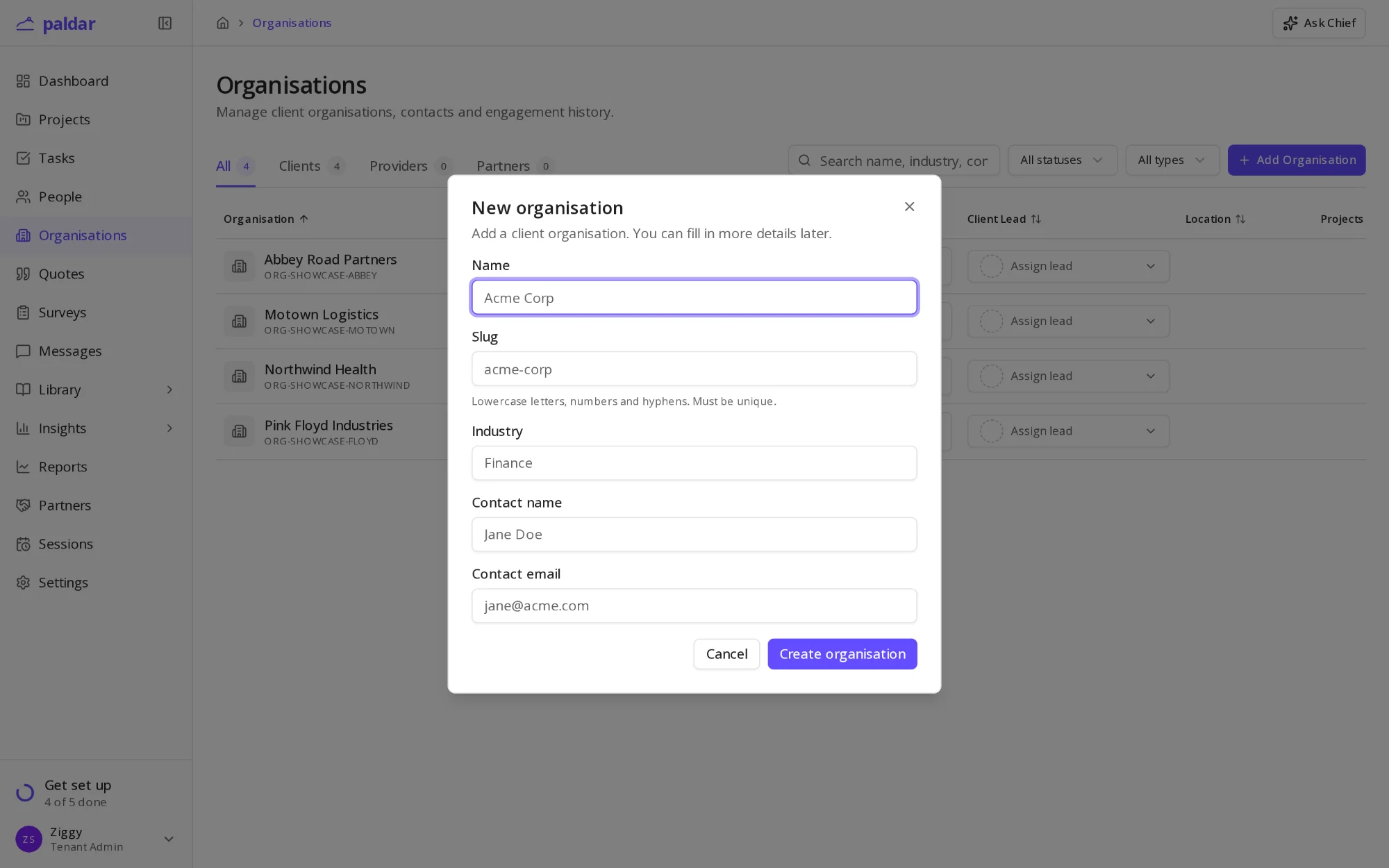
If you deliver programs for other organisations, add each one to Paldar as a client. Its people, projects and quotes then sit together, and reports can be filtered by client. This step is optional: an in-house team can skip it.
Before you start
- The organisation's name.
- A main contact, if you have one: their name and email address.
- Its industry, which helps when you compare results across clients later.
Add the organisation
- Open Organisations from the sidebar.
- Choose Add Organisation.
- Enter the Name. Paldar suggests a Slug, the short name used in links, which you can change.
- Add the Industry, Contact name and Contact email if you have them.
- Choose Create organisation.
The organisation opens on its own page, where you can fill in more details later.
Link people and work to the client
- When you add a person, pick the client under Organisation.
- When you create a project, choose the client it is for.
- Quotes created from that project carry the client through.
People already in Paldar can be moved to the client from their own page.
Keep the client's details current
- Status shows whether you are working with them now.
- Client lead names who on your team owns the relationship.
- These details are private to your workspace. The client never sees how you have recorded them.
Find a client later
- Organisations in the sidebar lists every client you have added.
- Open a client to see its people, projects and quotes together.
- Edit the name, industry or contact from the client's page whenever they change.
What happens next
- Create a program for the client, see Getting started: your first program.
- Add the client's participants, see Add your participants.
Once your first client is in, the step ticks in your setup guide on its own.
AI-assisted draft, reviewed by Jonah Cacioppe.
Related reading
All help articles →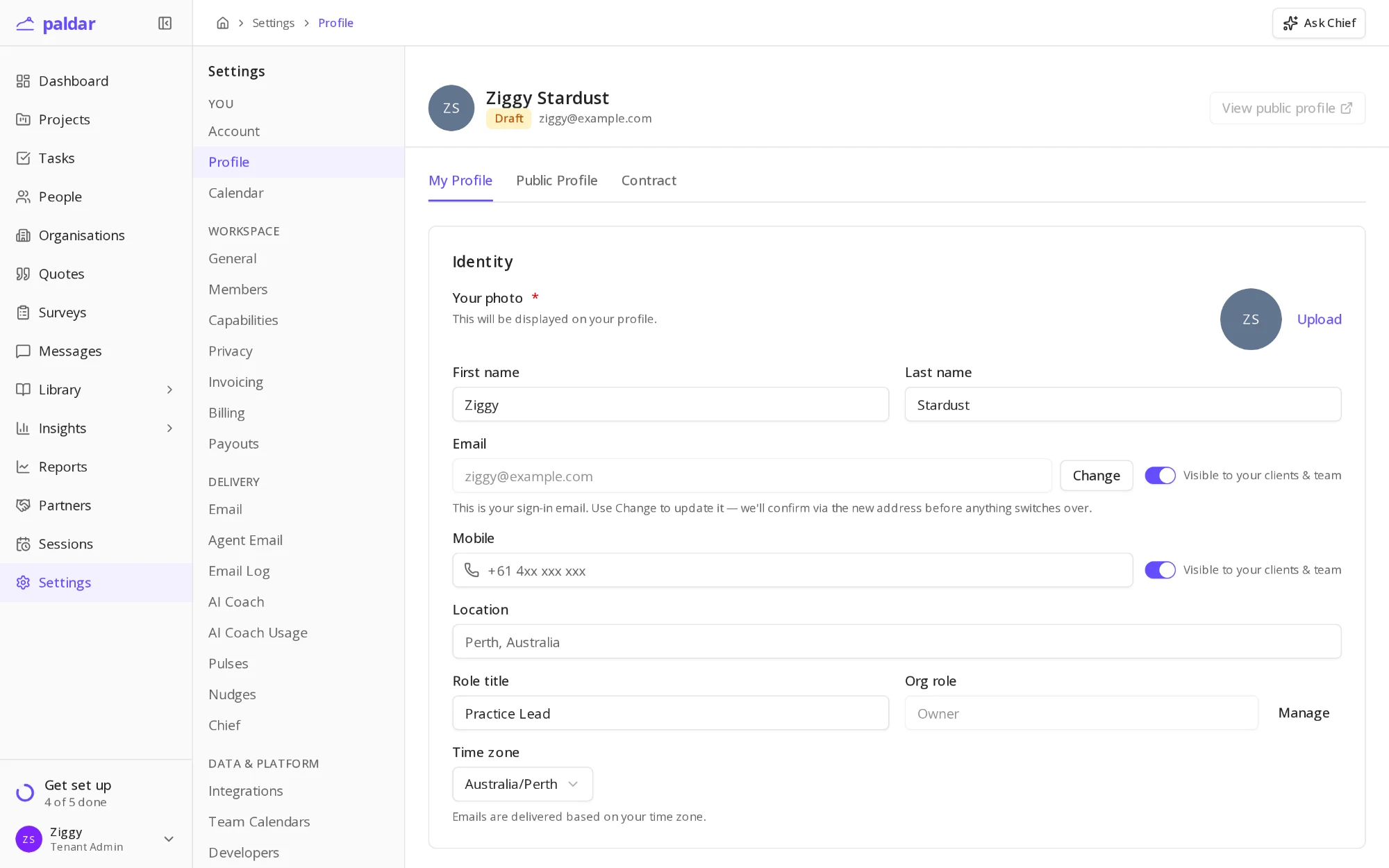
1 min readAdd your name and profileSet the name, photo and time zone that participants and your team see on invitations, messages and sessions.
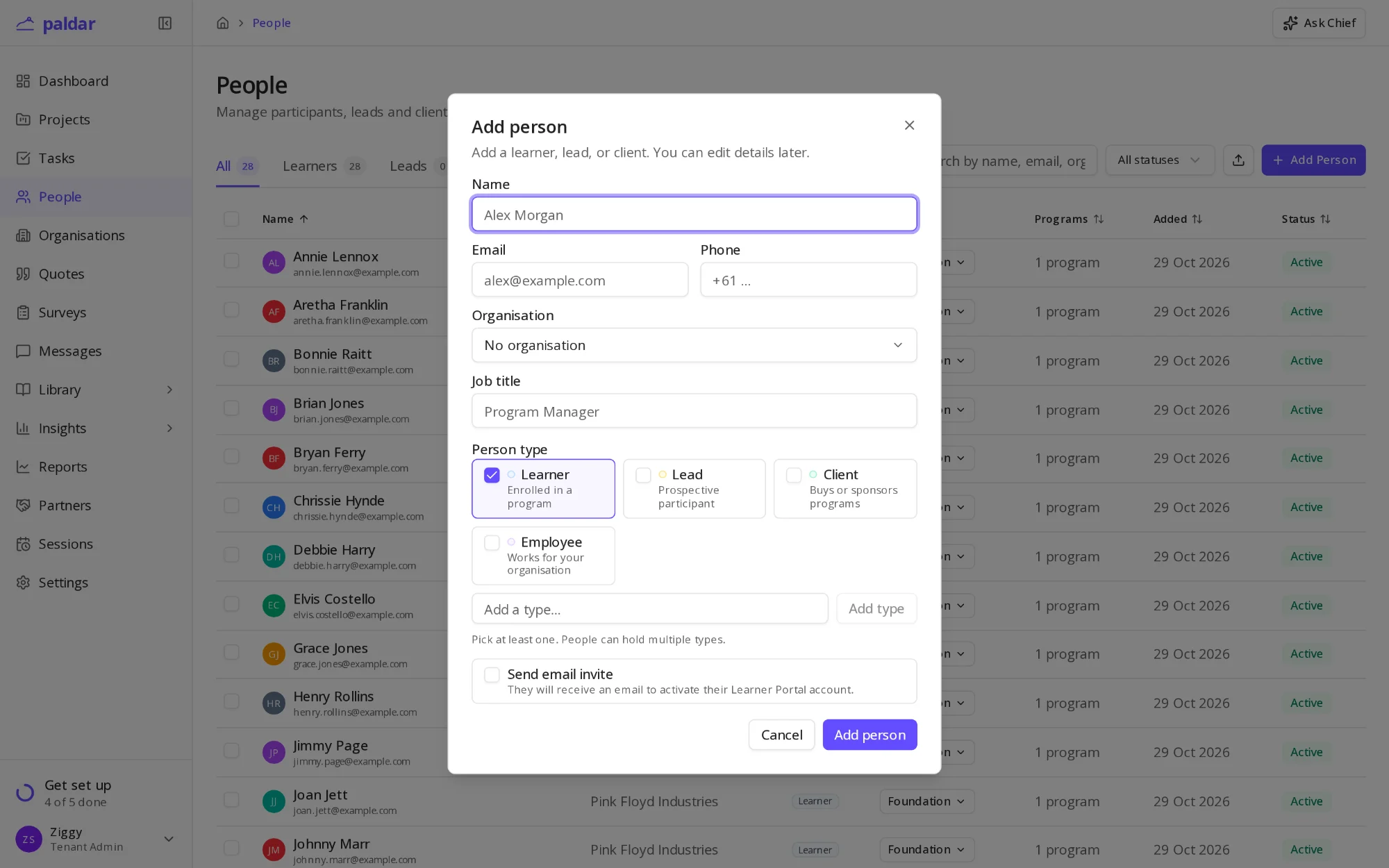
2 min readAdd your participantsAdd the people your programs are for, one at a time or from a spreadsheet, and choose when they hear from Paldar.
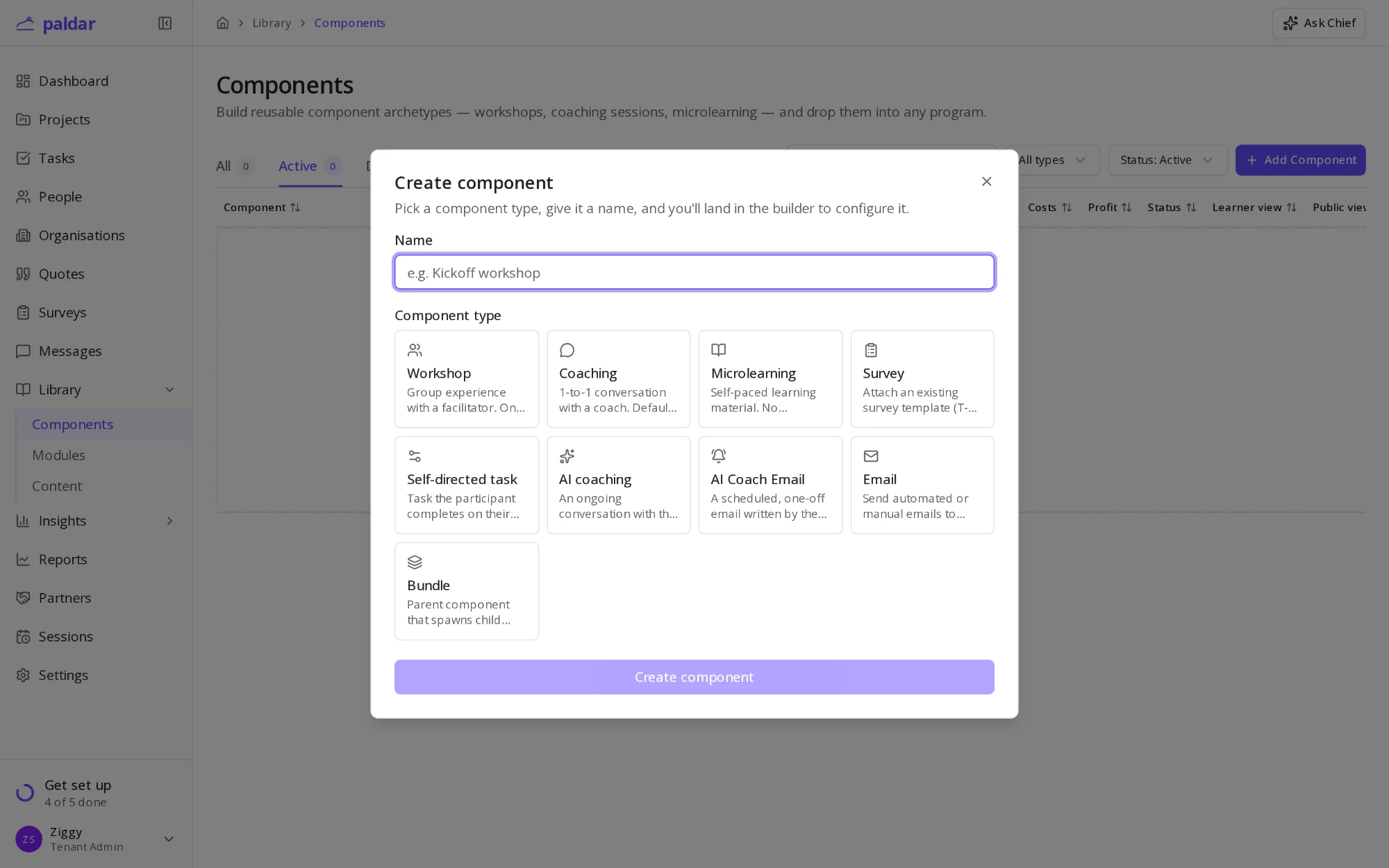
1 min readBuild your session librarySave the workshops, coaching sessions and lessons you run often as reusable library items, then drop them into any program.