Help
Connect your calendar
Connect Google or Microsoft calendars so participants book into real availability and sessions land in your calendar with a video link.
Updated 1 November 20261 min readAI-assisted draft, reviewed by Jonah Cacioppe
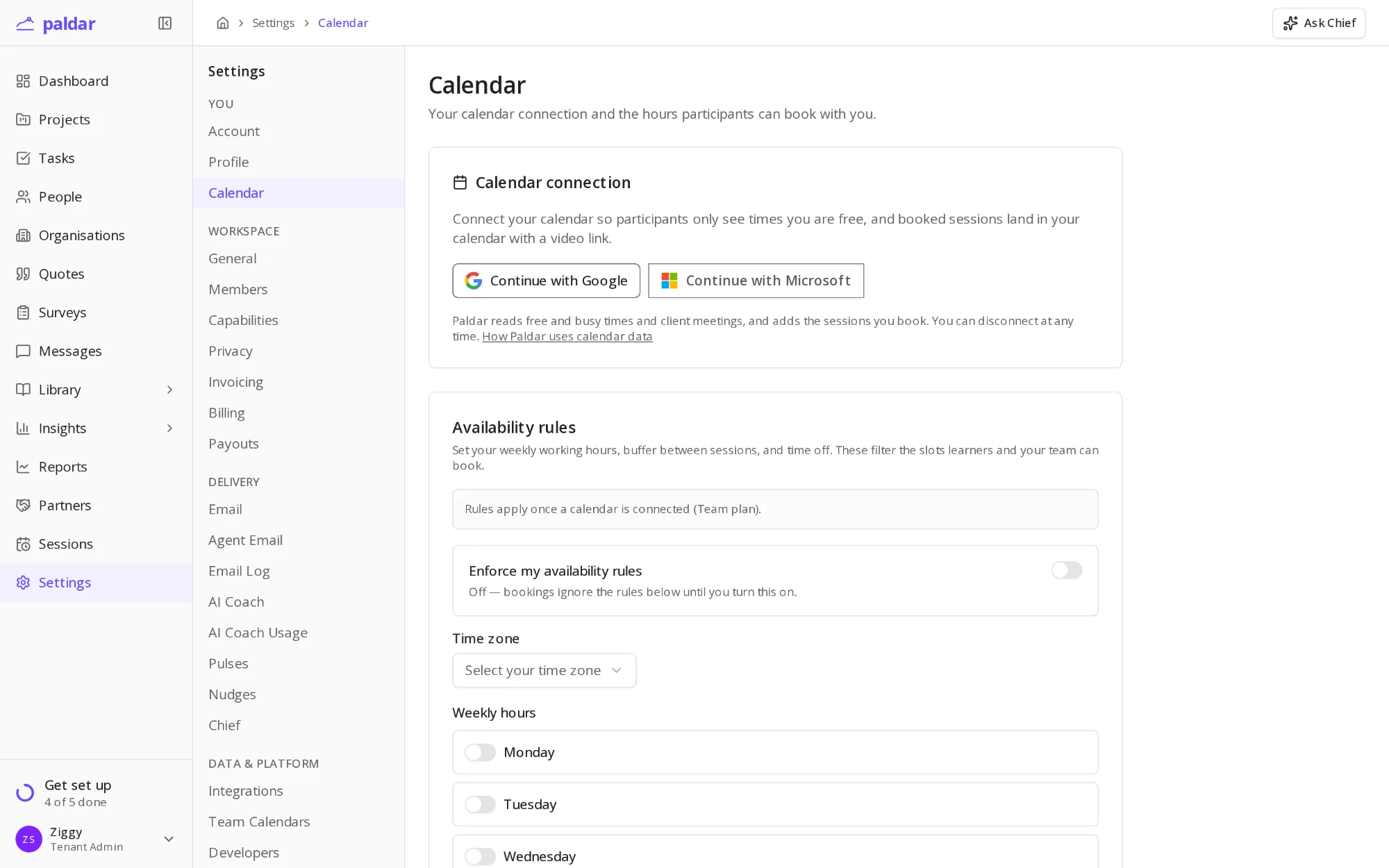
Connecting a calendar lets Paldar see when you are free, so participants only book times that work, and booked sessions arrive in your calendar with a video link. This guide covers connecting, setting your hours and what to do on the Basic plan.
Before you start
- Calendar connection comes with the Team plan. On the Basic plan the step points you to the plans page instead, and it does not count against your setup.
- A Google or Microsoft 365 account with the calendar you work from.
- Your usual working hours and time zone.
Connect your calendar
- Open Settings and choose Calendar.
- Under Calendar connection, choose Continue with Google or Continue with Microsoft.
- Sign in to that account and allow Paldar to read free and busy times and add events.
- You return to the Calendar page, which now shows the calendar as connected.
Paldar reads only free and busy times and the meetings it books. You can disconnect at any time from the same page.
Set when people can book you
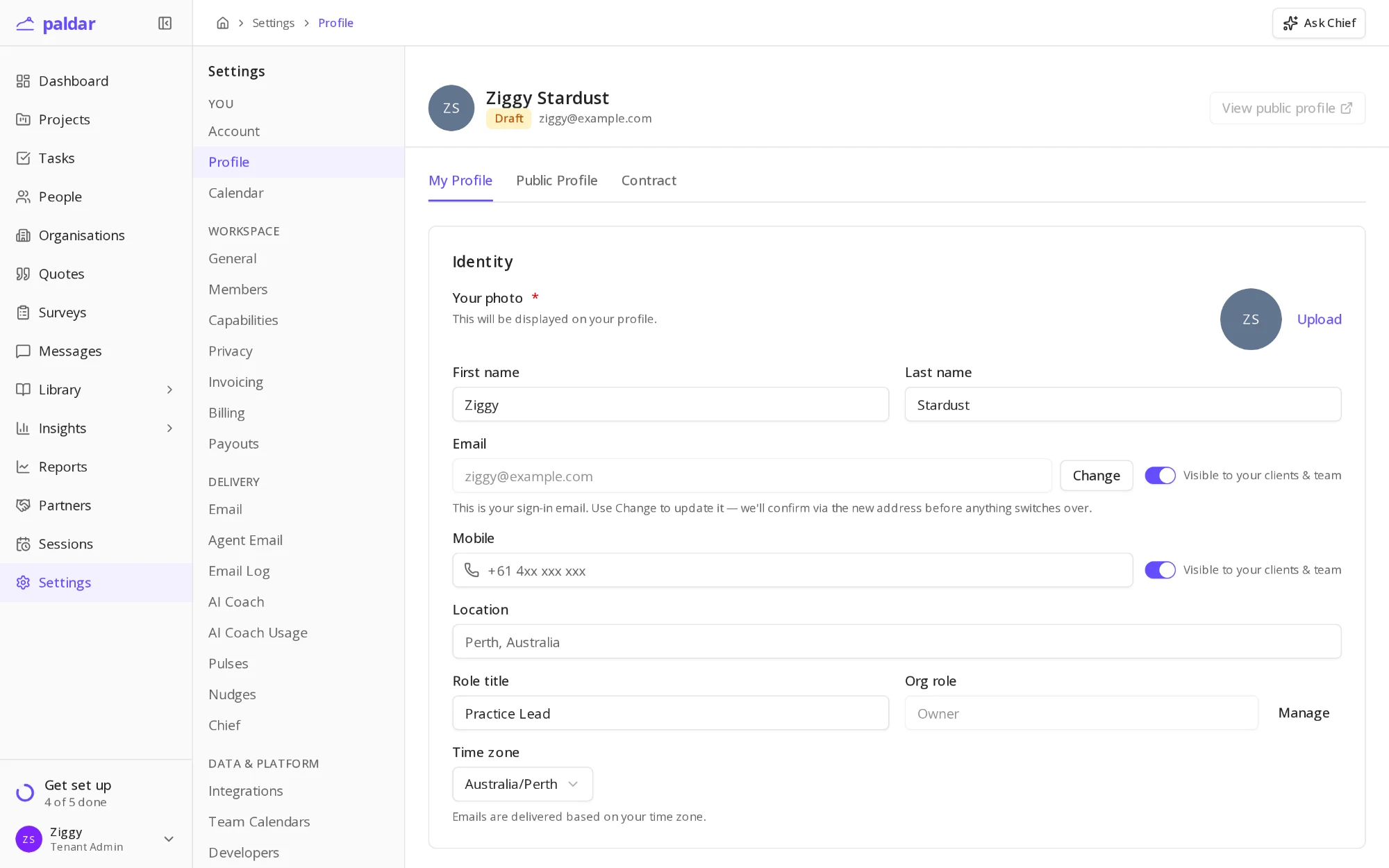
- Under Availability rules, choose your Time zone.
- Turn on each day you work and set its hours under Weekly hours.
- Turn on Enforce my availability rules when you are ready for bookings to follow them.
Leave the rules off while you set things up. Bookings then ignore them until you switch them on.
Calendars for the rest of your team
- Each coach connects their own calendar from their own Calendar settings.
- Admins can see who has connected under Settings, then Team Calendars.
- The setup guide counts this step done once anyone in your workspace has a connected calendar.
On the Basic plan
- The step shows See plans in place of Connect.
- Upgrading to Team turns the button back to Connect.
Once a calendar is connected, sessions you schedule in Paldar book straight into it.
Related reading
All help articles →