Help
A quick guide to building a program in Paldar
Watch a two minute video of a program being designed in Paldar, then follow the same steps to build your own blended program.
Updated 8 November 20262 min readBy Jonah Cacioppe, assisted by Claude
This is a quick demo of how to build a leadership program in Paldar, showing how, in about two minutes, you can create a new program, fill it with workshops and coaching, and we whip through where the program lives once its up and running. The steps below follow the video, so you can build your own alongside it.
Before you start
- You are signed in to Paldar as an owner or admin of your workspace.
- You know roughly who the program is for and how many people will join.
- Optional: you have saved a few reusable sessions in your library. See Build your session library.
Start a new program
- Choose New Project on your dashboard.
- Choose Multi Person Program under Start from scratch. Pick Single Person Program instead for one to one coaching.
- Type a project name, then choose Create to add it as a new project.
- Give the program a name, such as "Emerging Leaders Accelerator, Cohort 1".
- Enter the number of participants you expect and a start date.
- Leave Include Quote ticked if you want a draft quote for your client, or untick it.
- Choose Design Program Experience.
Paldar opens the new program on its Program tab, ready for you to design.
Design the experience
- Choose Add Components.
- Under From your library, choose Add next to a saved session, such as a kickoff workshop. It joins the program with its length and details already filled in.
- Repeat for each session you want to reuse.
- To build something new, choose a type under Start from scratch, such as Coaching Session.
- Give it a name and a short description, then choose Add.
- Drag the rows into the order participants will meet them.
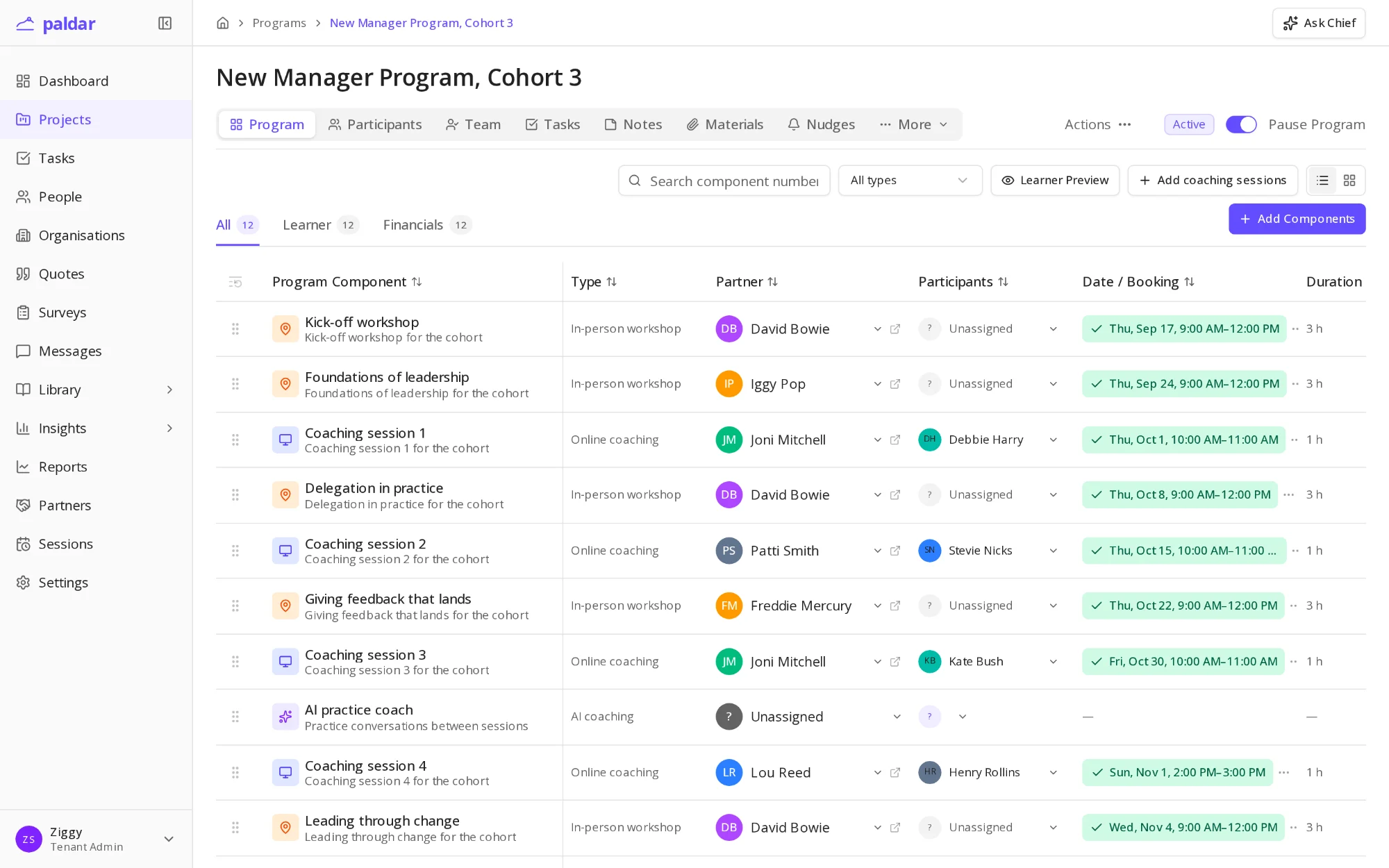
The table shows each session's type, partner, participants, date and length, with the total time at the bottom.
Finish setting up
- Open Participants to add the people in the cohort.
- Open Team to name the coaches and facilitators who deliver it.
- Set dates and partners for each session from the Program tab.
- Choose Launch programme when you are ready for participants to see it.
Find it again later
- Projects lists every program, including the ones already running.
- Overview on each program shows participants, delivery, coaching and survey scores at a glance.
- Sessions shows every workshop and coaching session across your programs in one place.
- Library holds the sessions you reuse, and Surveys and Reports measure what changed.
Next, read Inviting participants and what they see.
Related reading
All help articles →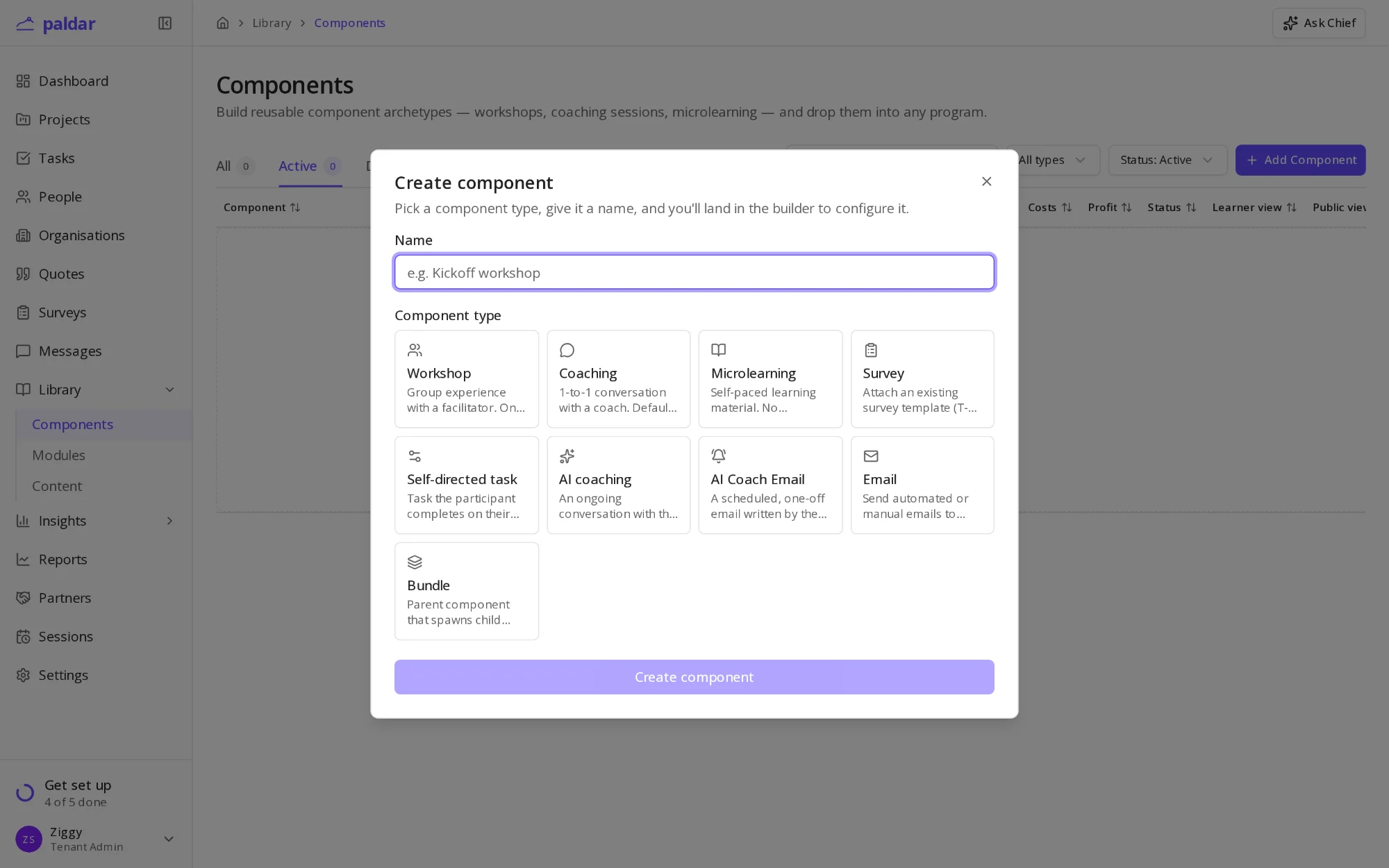
1 min readBuild your session librarySave the workshops, coaching sessions and lessons you run often as reusable library items, then drop them into any program.
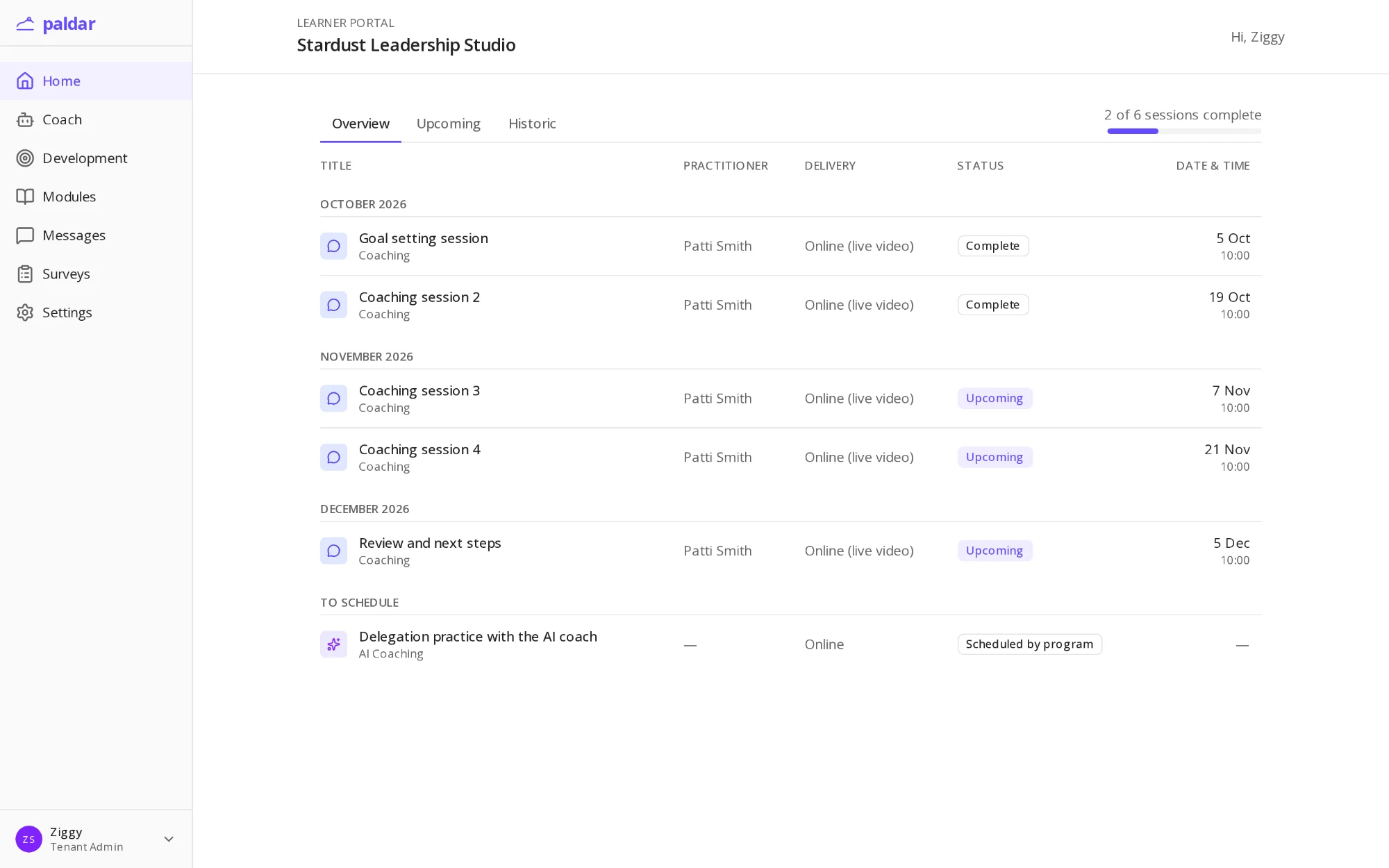
2 min readGetting started: your first programWhat to expect in your first hour on Paldar, from creating a program to sending the first invitation, and what you can leave for later.
1 min readGet help from a personCoach is an AI and is not an emergency service. These options reach a person.