Help
Connect Attio to Paldar
How to connect your Attio workspace to Paldar, what Paldar can access, what syncs in each direction, and how to pause or disconnect.
Updated 30 October 20264 min readAI-assisted draft, reviewed by Jonah Cacioppe
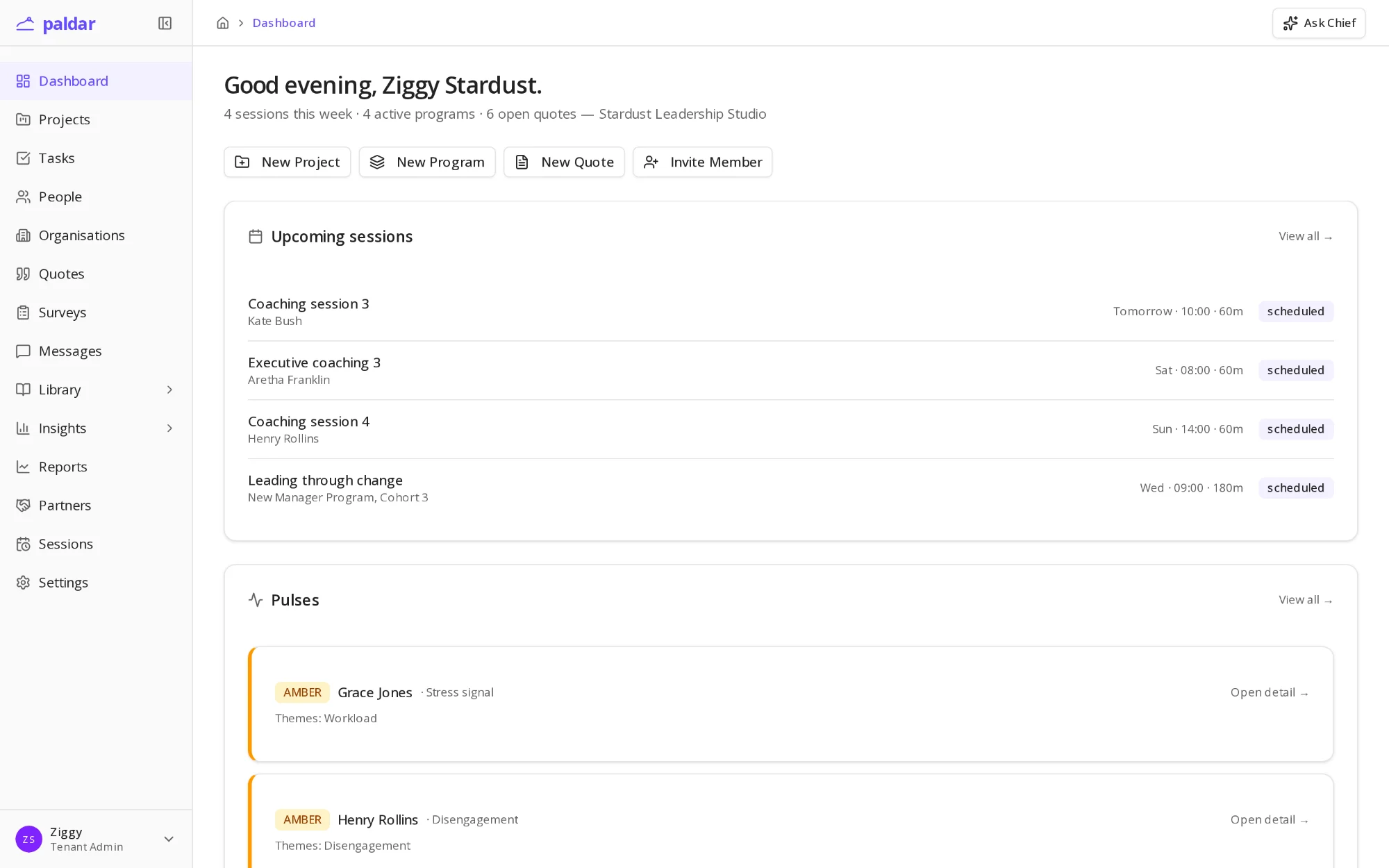
Paldar connects to Attio so the people you coach and the organisations you work with stay in step with your CRM. Your team sees each person's sessions, surveys and enquiries on their Attio record, and deals stay in Attio.
Paldar is pre-launch and the Attio integration is in early access, so the CRM settings page is not open to every Enterprise organisation yet. Contact us to connect.
Before you start
You need three things:
- A Paldar Enterprise plan. CRM sync is an Enterprise feature.
- The owner or admin role in your Paldar organisation. Members cannot connect, pause or disconnect.
- An Attio workspace admin to approve. Paldar syncs for the whole workspace, not one person, so only an admin can grant it. If you are not one, send Attio's install request to an admin and connect again once they approve.
Connect
- In Paldar, open Settings, Integrations, CRM. Install on the Paldar page in the Attio App Store brings you to the same place.
- Click Sign in with Attio and choose your workspace.
- Review the access Paldar asks for, listed below, and approve it. Paldar checks it before saving the connection and names anything missing.
- Under What syncs, choose the activity types to send and the Attio lists Paldar should watch.
- Optionally, import your existing Attio people into Paldar as leads. Paldar shows a dry run of what it would create and match, and writes nothing until you confirm.
What Paldar can access in Attio
- People and companies: create and update them, and read people for an import.
- Object settings: read the people and companies objects and their fields.
- List settings: see your lists so you can choose which to watch.
- List entries: add enquiries to a list you choose, and see people join or leave watched lists.
- Notes: log activity as notes when your Attio plan has no custom activities.
- Activity settings: create one Paldar activity type in your workspace.
- Activities: log Paldar activities on each person's timeline.
- Webhooks: hear about list changes, merges and deletions in Attio.
- Sequence unsubscribe list: add people who opt out in Paldar.
Paldar never writes deals, record owners or pipeline stages, and never changes lists that other tools manage.
What syncs
- People. Learners, leads and client contacts with an email address become Attio people, matched by email. Paldar sends name, job title, phone, LinkedIn and company.
- Only changed fields. Paldar sends a field only when it changes in Paldar, so an edit made in Attio stays until the same field changes in Paldar.
- Companies. Your client organisations and the organisations your people work for become Attio companies, matched by website domain and linked to their people.
- Activity. Enquiries, sessions booked, attended and missed, completed surveys, quotes, notes and emails appear on each person's Attio timeline as a short summary with its date and type. Message bodies and survey answers are never sent.
- Unsubscribes. When your organisation records that someone has withdrawn marketing consent, their address joins your Attio sequence unsubscribe list, so Attio will not enrol them in a sequence. If they opt in again, remove them from that list in Attio yourself.
What comes back from Attio
- List changes. When a person joins or leaves a list you watch, it appears on their Paldar timeline. This is how outreach tools that write to Attio lists show up in Paldar.
- Merges. Paldar follows merges in Attio and flags a possible duplicate rather than merging its own records.
- Deletions. A person deleted in Attio stays in Paldar, shows as Deleted in Attio, and is never recreated unless you send them again.
- New Attio people reach Paldar when you run an import again.
- Field edits made in Attio do not flow back to Paldar yet.
- Unsubscribes made in an Attio sequence do not reach Paldar yet.
Activities or notes
- If your Attio plan allows custom activities, Paldar logs each item as a Paldar activity you can filter by type.
- If not, each item becomes a note on the person.
- The CRM page shows which mode you are in. After you upgrade, Check again switches new items to activities; existing notes stay as notes.
Keeping an eye on it
- The Health panel on the CRM page shows the last update in each direction and any record that failed to sync, with Attio's reason and a Retry button.
- Each person's page in Paldar shows whether they are in Attio, with a link to their record.
Pause, disconnect or change workspace
- Pause sync stops updates without disconnecting.
- Disconnect removes Paldar's webhook, revokes Paldar's access to your workspace and deletes the stored credential. Records already in Attio stay there.
- To change workspace, disconnect and connect again. Reconnecting the same workspace carries on without duplicates. A different workspace starts fresh, matching records by email and domain before creating anything.
- If access is removed inside Attio, the CRM page asks an owner or admin to reconnect, and after a day it shows as disconnected.
Privacy
- Paldar sends Attio only the fields described above.
- If a person's data is erased in Paldar, their sync stops. Their Attio record is yours to keep or delete.
If something goes wrong
- A permission is missing. Connect again and approve all of the access.
- You are not an Attio admin. Send the install request to an admin, then connect again.
- A person failed to sync. Read Attio's reason in the Health panel, fix the record, then Retry.
- The connection needs attention. Access was revoked in Attio. Reconnect from the CRM page.
AI-assisted draft, reviewed by Jonah Cacioppe.
Related reading
All help articles →2 min readGetting started: your first programWhat to expect in your first hour on Paldar, from creating a program to sending the first invitation, and what you can leave for later.
2 min readHow Chief and Coach make decisions, and what they never do on their ownThe two assistants in Paldar, who each one works for, how much they do without asking, and the fixed lines neither will cross.
2 min readInviting participants and what they seeHow invitations work, what a participant sees when they accept, and what stays private to you as the practitioner.